WEFTEC 2026: 3 Shifts in Water Software and What They Mean for Reliability
![[Milić Bogićević]](https://techtailorsqa.com/images/milic.jpg)

Most of New Orleans sits below sea level. On one side, levees hold back the Mississippi. On the other, every heavy rain has to be pumped out. People think of that as concrete and steel. More and more of it is software: a sensor reports a level, a system decides, and a pump starts or doesn’t.
That was on my mind walking into WEFTEC 2026. I’ve spent 16 years in software quality, and a growing share of our work is in water and environmental monitoring. I went to New Orleans mostly to listen.

On day one I asked a question on LinkedIn: how do you test an update before it reaches a device in the field? By the end of the week I’d heard the same three shifts in almost every conversation. I shared them in a short video. This is the long version, with what each one means for keeping water software reliable.
What changed: a screen next to every machine
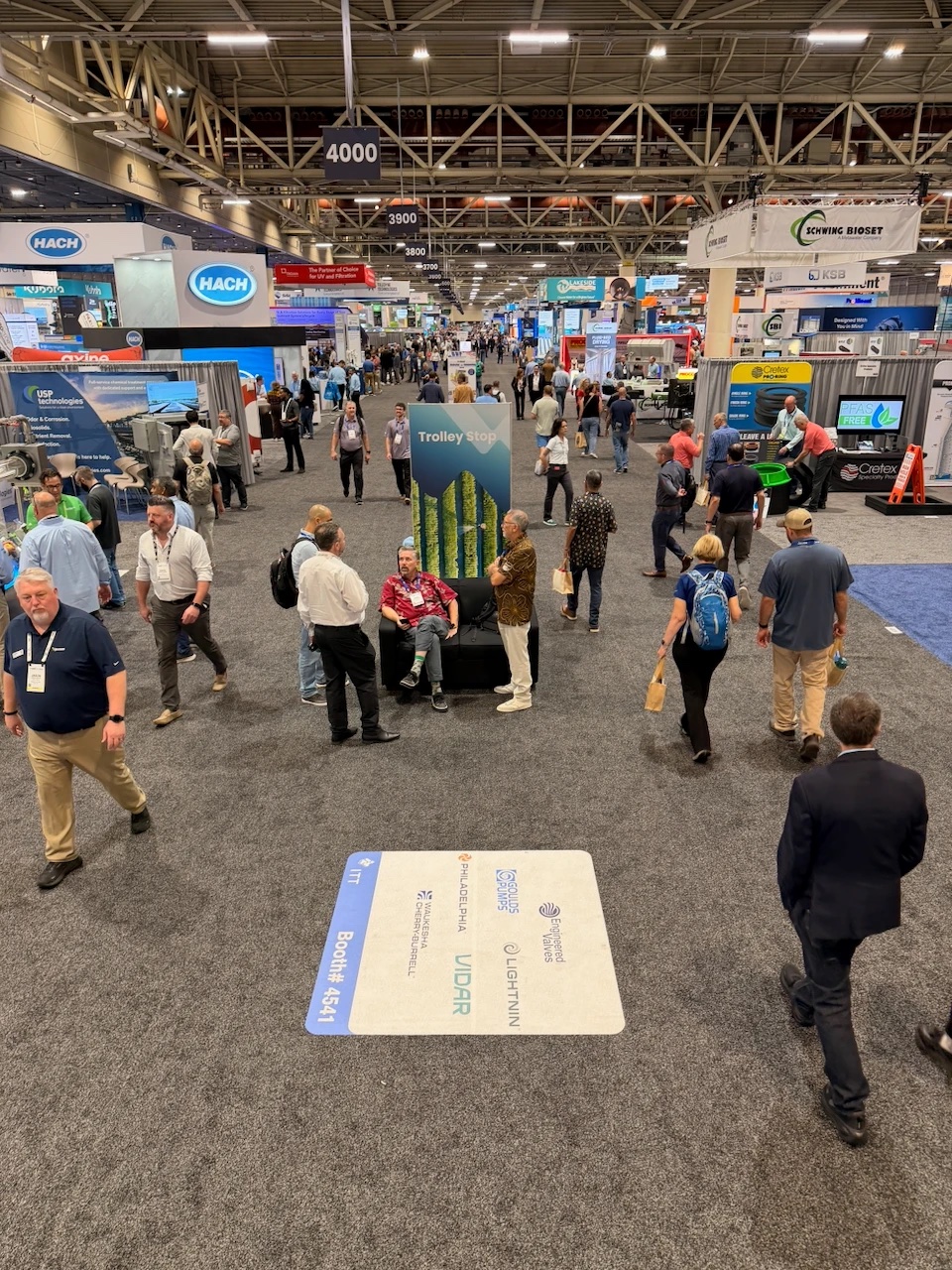
Ten years ago, a water trade show was pumps, valves, pipes and filters. This year almost every booth had a screen next to the hardware: a dashboard, a mobile app, a cloud portal, a live map of sensors. Reliability used to be a question about pumps and pipes. Now it’s also a question about code.
The hardware is still the star, but the software is what customers touch every day. It’s also where many of the new risks sit. When a release breaks here, it doesn’t show up as a bug report. It shows up in a pipe.
I asked the same question at booth after booth: who tests your software? Some teams have dedicated QA. Most said the developers test it themselves. A few said, quietly, nobody really does.
That isn’t a criticism. These are mostly engineering companies that grew software teams fast because the market asked for it. One of the clearest lines I heard all week came from a regulators’ panel: “It’s people, processes, and technology, in that order, always.” Reliable software follows the same order. It starts with people who know what can go wrong in the field.
1. Security: every connected sensor is a new door
Every sensor connected to the cloud is a new door into the system. Cybersecurity came up again and again, and for good reason. Attackers know water utilities often run older systems on tight budgets.
The hard part is that many of these doors are physically out of reach. A web app with a bug gets a fix the same afternoon. A sensor at the bottom of a manhole, or a controller at a remote lift station, is a different story. Some devices are hours away by truck. Some can only be reached over a weak cellular link. A failed update can mean a site visit, or a blind spot in the network until someone gets there.
When an update is hard to run safely, it gets postponed. Postponed security patches are exactly what attackers look for.
What it means for reliability:
- Test the update itself, not only the new version. Interrupt it halfway. Cut the connection. Drop power. The device should come back on the old version, not as a brick.
- Treat rollback as seriously as rollout. If you can’t go back safely, you can’t go forward safely.
- Release in stages. Update a small group of devices first, watch them, then expand.
- Test across versions. Real networks run three or four firmware versions at once, and the cloud side has to work with all of them.
- Make security testing part of every release, not a yearly audit. Check authentication, encrypted transport and signed firmware, and see what happens when someone sends something they shouldn’t.
2. AI is arriving faster than trust
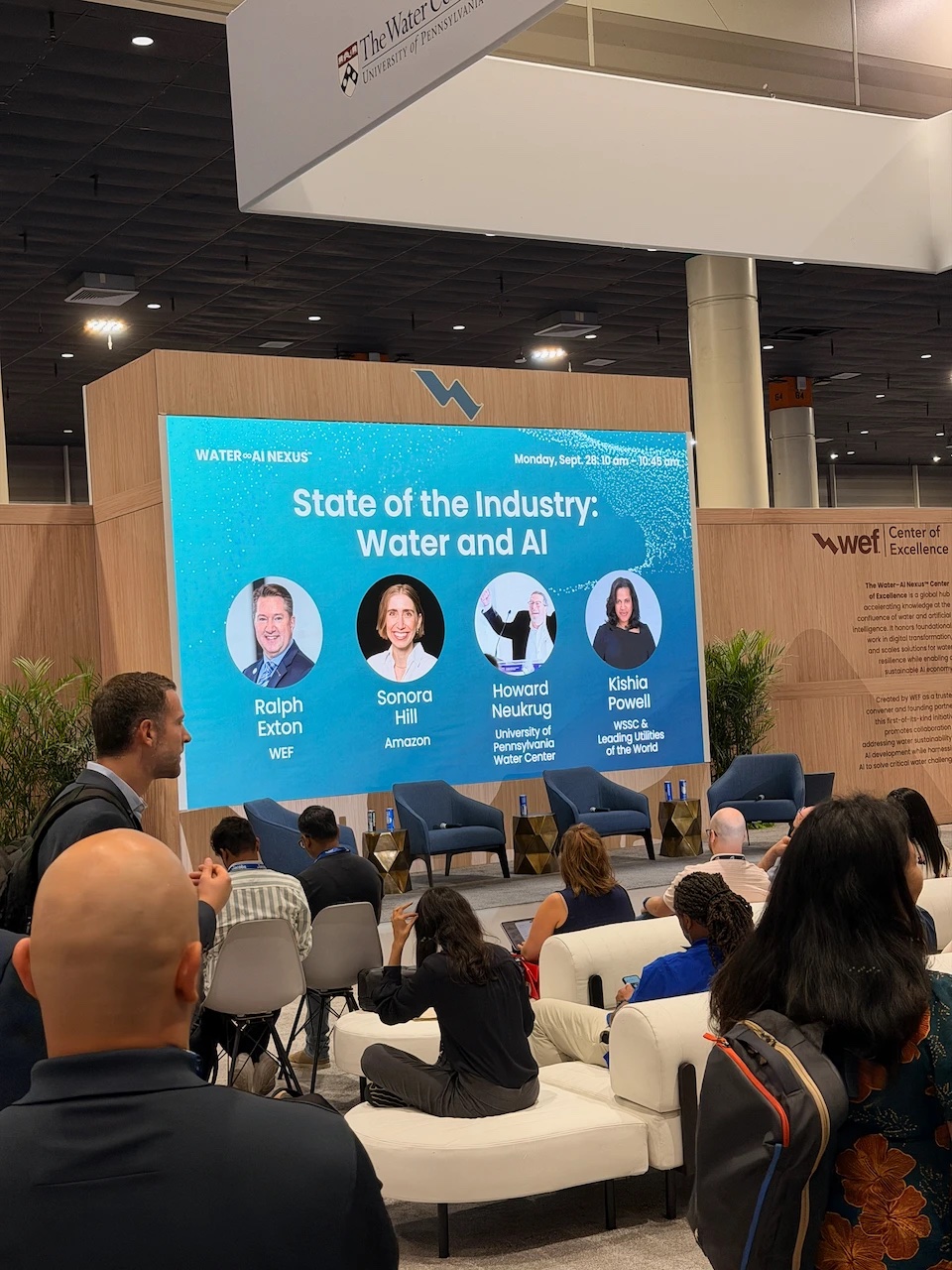
AI was everywhere this year. With fewer experts left, utilities want it as a second set of eyes. But when it raises an alarm at 3 a.m., can you trust it enough to act?
An AI model is only as reliable as the data it reads, and the most dangerous reading isn’t the missing one. It’s the one that looks completely normal and is wrong.
A level sensor freezes and keeps reporting the last value. A unit gets converted twice somewhere between the device and the cloud. A timestamp shifts by an hour after a daylight saving change. The dashboard stays green, and the model learns from the bad data, alerts on it, or stays quiet because of it. Nobody notices until a decision has already been made.
What it means for reliability:
- Check data against physics, not just format. A water level can’t rise two meters in one second. A flow can’t be negative in a one-way pipe. SCADA and IoT sensor data validation needs rules that know the physics, not only the schema.
- Watch for the flat line. A value that stops changing is often a failure, not a calm day. Build test cases for stuck sensors, repeated values and silent gaps.
- Follow one reading end to end. Take a known value at the device and check it at every hop: gateway, cloud, database, dashboard, report. Unit conversions, rounding and time zones break in the handoffs.
- Test the AI’s alerts, not just its accuracy score. Feed it a stuck sensor, a doubled unit, a missing hour. Does it raise a false alarm, or worse, stay quiet?
- Use real field data in test environments. Clean, generated data hides the problems that messy real data shows.
3. Water’s experts are retiring
This is the shift that’s shaking the industry.
The people who are retiring know which sensor lies when it rains, which pump you never restart remotely, and which alarm is safe to ignore. Most of it was never written down.
Their replacement will often be a newer technician standing in the rain, wearing gloves, with one bar of signal and a phone at 15% battery. In the office, software gets tested on a big monitor with good Wi-Fi. In the field, it has to guide, warn and prevent mistakes, because the person who used to just know is no longer there.
What it means for reliability:
- Turn expert knowledge into test cases. “Never restart pump 4 remotely” is a test. “This sensor reads high after heavy rain” is a test. Testing a system means writing down how it really behaves, not how the manual says it should.
- Test in field conditions. Slow and dropping networks, offline mode, sync after reconnecting, glare on the screen, large touch targets.
- Design for the new user, not the expert. Can someone in their first month complete the task without calling a colleague? Does every error message say what to do next?
- Test what happens when work is interrupted. A technician starts a form, loses signal and gets called away. Is the data still there an hour later? Was it saved twice?
- Bring field people into testing. Ten minutes watching a technician use your app will show you more than a week of test scripts.
Why this matters now
None of these problems is new. What’s new is how much depends on software. When the software is part of the infrastructure, the software’s reliability is the infrastructure’s reliability. Testing is how you get there.
We’ve seen what changes when testing gets a proper process. For a large US engineering services company we’ve worked with since 2020, we built QA and test automation from zero. Today they run more than 6,500 automated tests, and their release cycle went from six months to two weeks (Clutch review). The bigger change was that the team could ship updates without fear.
Back to the question from day one
How do you test an update before it reaches a device in the field? You test it against the field, not the office: the stuck sensor, the dropped connection, the technician in the rain, and the knowledge of the people who’ve been there for thirty years.
If you build software for water, wastewater or environmental monitoring, which of these three shifts is closest to what your team is dealing with: security, trusting AI, or knowledge that’s about to retire?
I’d like to hear how your team handles it. Send me a message on LinkedIn, or book a short call. No pitch, just a conversation between people who care whether the pumps start when it rains.
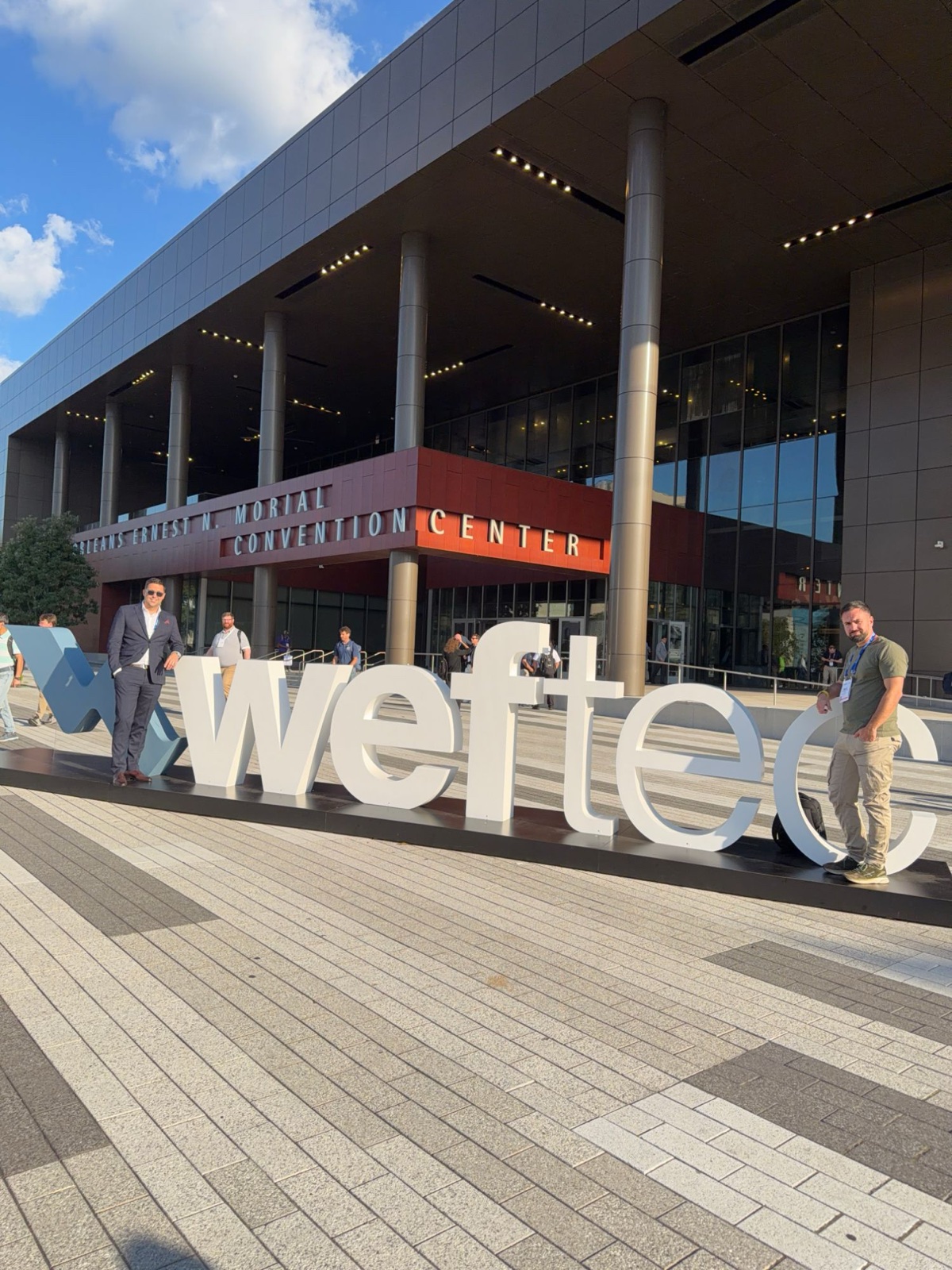
Milić Bogićević, co-founder of Tech Tailors QA and CEO of ZenQA
Need a Testing Partner? Let's organize a call
Experience our expert testing across web, mobile, and more – no strings attached.
No credit card. No contract. Just enterprise-level QA results.
Join 100+ teams that already test smarter.

